Table of Contents
As Paul grows older, he's come to the sad realization that his feeble mind can't possibly keep track of all the powerful tools that are bundled on the Network Security Toolkit CDROM. To avoid relying on memory alone, a collection of HTML pages and CGI scripts have been created to aid in the use of the Network Security Toolkit. This offers Paul a remote chance of making future use of some of the powerful scripts which Ron has created.
Assuming that you've started up the Network Security Toolkit using the default
boot options and that it was assigned the address of
192.168.0.9, you should be able to access the
Web User Interface (WUI) by pointing your
browser at https://192.168.0.9/nstwui. NOTE
the usage of https in the preceding
URL as insecure access is not permitted.
The first time you connect to the Web User Interface (WUI), you will likely need to respond to one or more dialog boxes. When using firefox, I typically see the following set of events:
A initial warning dialog indicating that the Network Security Toolkit certificate could not be verified. This is expected as a test certificate is generated at the time the CD is created. The warning message presented by the firefox browser resembles:
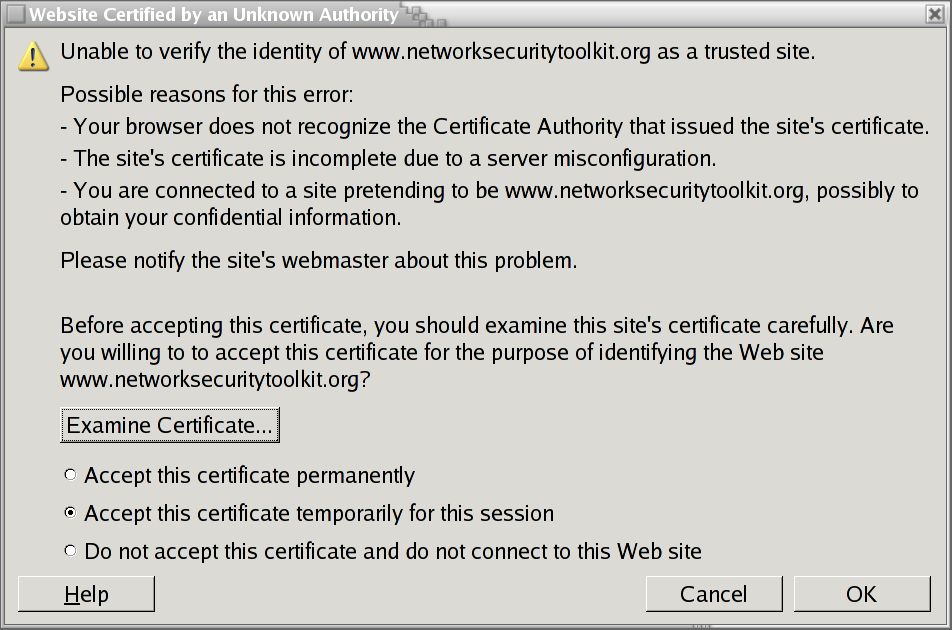
After pressing the
OKbutton, the browser typically warns me that the security certificate presented by the Network Security Toolkit probe does not agree with the actual IP address which the Network Security Toolkit probe has. This is to be expected as we never know what IP address the Network Security Toolkit probe may be assigned after it boots. The dialog box which the firefox browser presents in this condition resembles: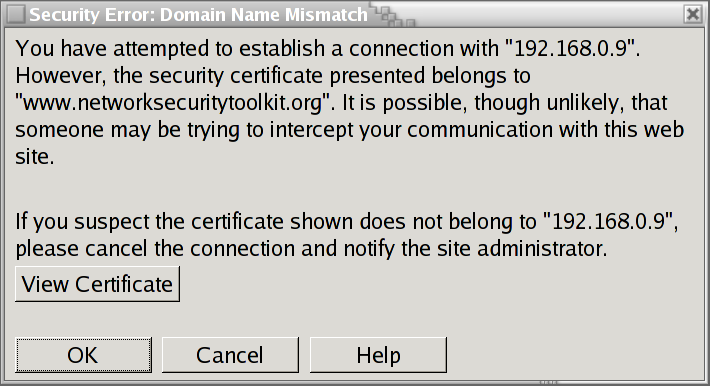
After pressing this
OKbutton, the browser may want to tell me that I've entered a secure web site. I don't typically see this message as I typically configure my browser to disable this type of alert. However, if you don't have your browser configured in this manner, you may be presented with a dialog box resembling: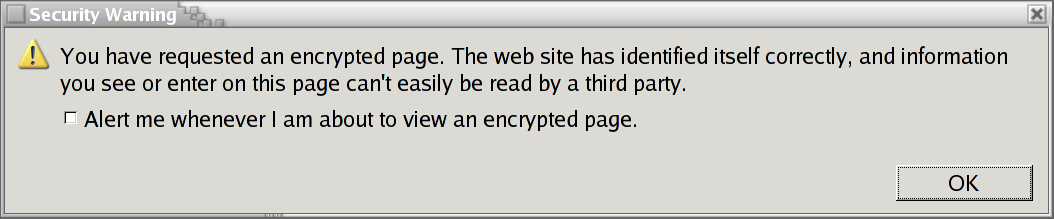
Starting with release
1.0.5of the Network Security Toolkit, authorization will be required before allowing access to the web server (if you have a older version of the Network Security Toolkit toolkit authorization won't be required until you attempt to access the WUI interface). As a result of this, I will need to authenticate myself by specifying the appropriate user name and password as shown below: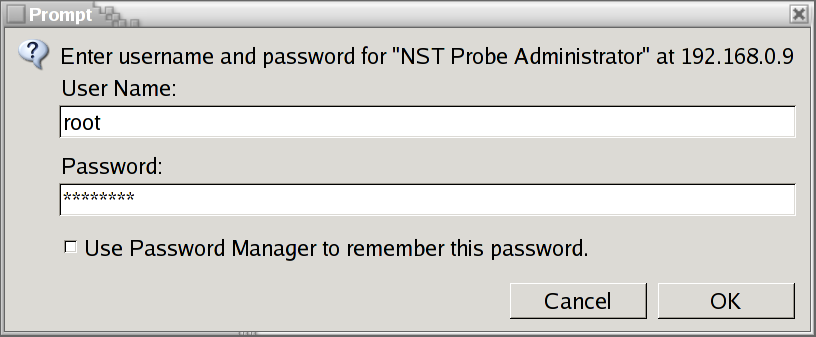
At this point, I'm typically getting tired of pressing
OKbuttons. Fortunately, I've made it to the actual home page of the Network Security Toolkit. For working with theWeb User Interface(WUI), I then select theNST WUIlink from the page shown below: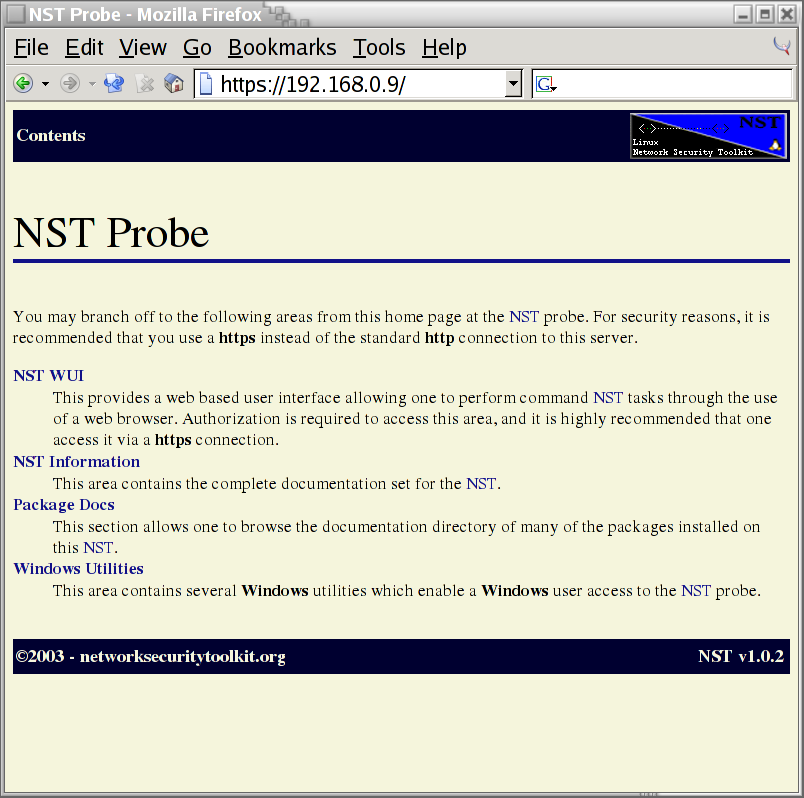
I'm now able to perform many different actions by clicking my way through the links found
NST Web User
	Interface
shown below: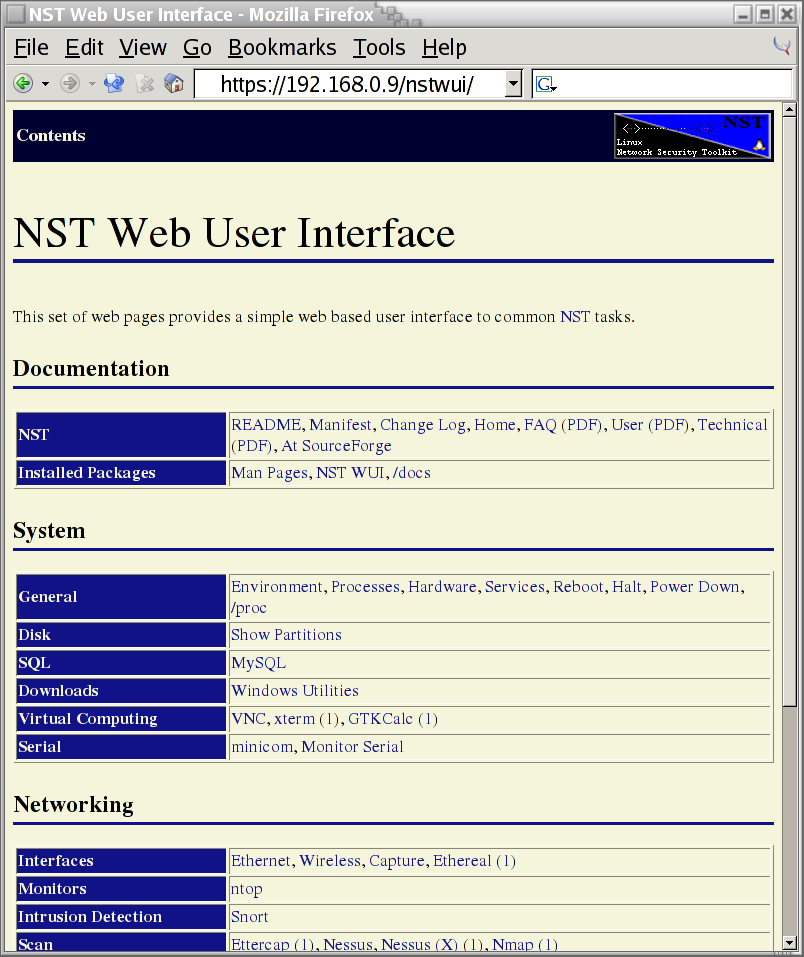
Once you've reached the NST Web User
Interface, feel free to "click" around and
explore. You can find out a lot of information about the system
as well as perform a variety network security tests.